ANNOUNCING THE ROG PHONE: CHANGING THE GAME FOR MOBILE
Moonlesknight
02:38:00
Since its inception in 2006, the Republic of Gamers has pursued a mandate to push boundaries to deliver a better gaming experience. We started with motherboards, spread to virtually every DIY desktop component, and have been building hardcore gaming laptops for more than a decade.
The smartphones in that early era barely qualified as such, but they started a revolution that transformed the computing landscape. We watched closely as these digital sidearms became increasingly capable gaming machines and all-around computers, and we saw how developers harnessed their growing power to take mobile gameplay and graphics to the next level. We also gained insight from esports professionals, regular players, and game developers on how mobile gaming devices could be improved.
Now, the time is right to introduce the ROG Phone. Our first Android device combines special Snapdragon silicon with innovative cooling to produce silky frame rates you can actually sustain. Its uncompromised display blends blistering speed with beautiful HDR visuals, while programmable AirTriggers and tactile enhancements heighten your physical connection and comfort. There are other upgrades throughout, and the phone is joined by a collection of transformative accessories for docking with a desktop, doubling up on screens and batteries, and adding console-like controls alongside a wireless display. The whole family debuted today at Computex 2018 in Taipei, Taiwan.

Cherry-picked chips binned for speed and tuned for gaming
Performance is paramount for competitive gamers who need to stay one step ahead of their opponents, and for everyday players who don’t want hiccups ruining their immersion. Like other flagships, the ROG Phone is based on Qualcomm’s latest Snapdragon 845 SoC, whose eight Kryo CPU cores and Adreno 630 graphics have ample horsepower for the latest games. Rather than taking the standard processor, we worked the company to get a binned version selected specifically for its ability to run at faster frequencies. Exclusive to the ROG Phone, this special chip clocks up to 2.96GHz, nearly 200MHz higher than stock, making it Qualcomm’s fastest-ever mobile platform!
Your phone also needs to last all day, so the Snapdragon 845 aggressively reduces clock speeds during idle periods, and balances workloads between high-performance and power-efficient CPU cores. While these measures dramatically improve battery life, they can also introduce small delays that slow down your game. To prevent interruption, we developed X Mode, which raises the minimum clock speed to keep the CPU on its toes, and confines tasks to the chip’s four fastest cores to ensure maximum performance. You can enable this mode instantly from the Quick Settings menu or configure Game Center to activate it automatically when running your favorite games and any other apps that need a boost.
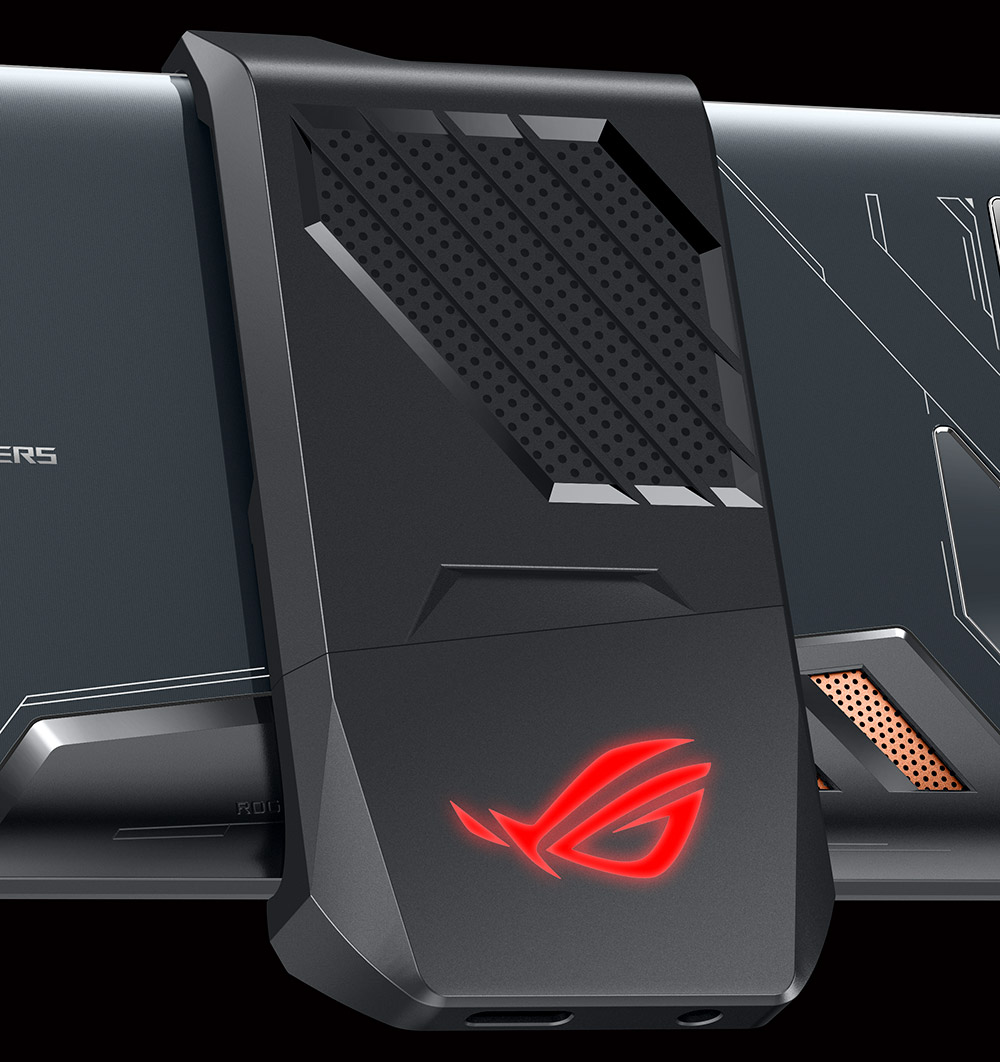
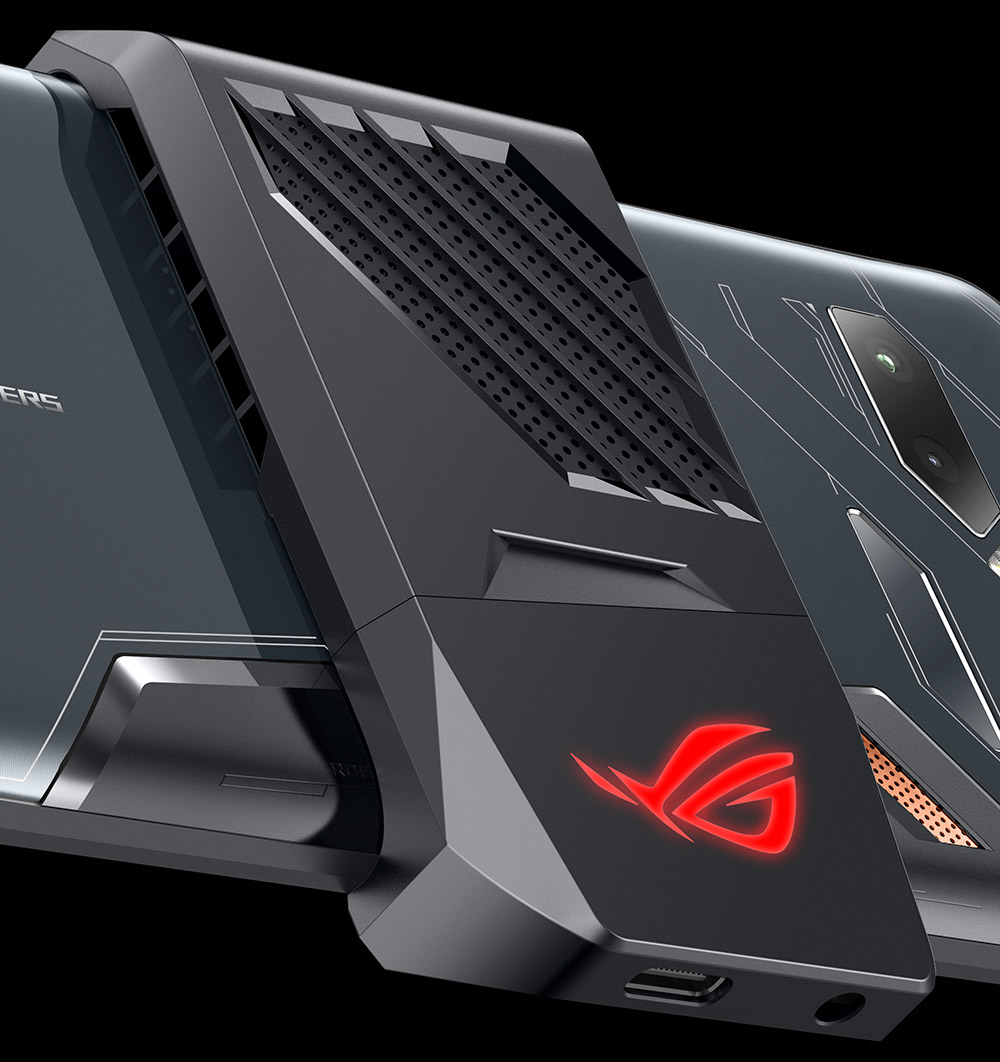
Powerful processors generate significant heat when running cutting-edge games, often leading to thermal throttling that turns flawlessly fluid gameplay into a stuttering slide show. Our new GameCool system improves thermals with a copper heat spreader and 3D vapor chamber that efficiently transfer heat away from the SoC and into the body. If you want an extra kick, the optional AeroActive Cooler blows air over the back to accelerate heat dissipation into the environment. This auxiliary cooler comes in the box and lowers the phone’s surface and processor temperatures enough to improve sustained performance for extremely strenuous gaming sessions.
Refuse to compromise on the display
Better performance means more frames per second, but a higher refresh rate is required to actually see them. The ROG Phone’s roomy 6” display refreshes at 90Hz, allowing it to draw 50% more frames than typical smartphone screens. The graphics and gameplay look and feel much smoother in titles optimized for high refresh rates.
Some high-refresh mobile displays suffer from slower pixel transitions that leave blurry ghosts trailing behind moving objects, but the ROG phone uses an ultra-fast AMOLED whose one-millisecond response time matches the pixel-flipping speed of our competition-grade ROG Swift PG258Q esports monitor. The graphics are crystal clear even in fast-paced and action-oriented titles with lots of movement.
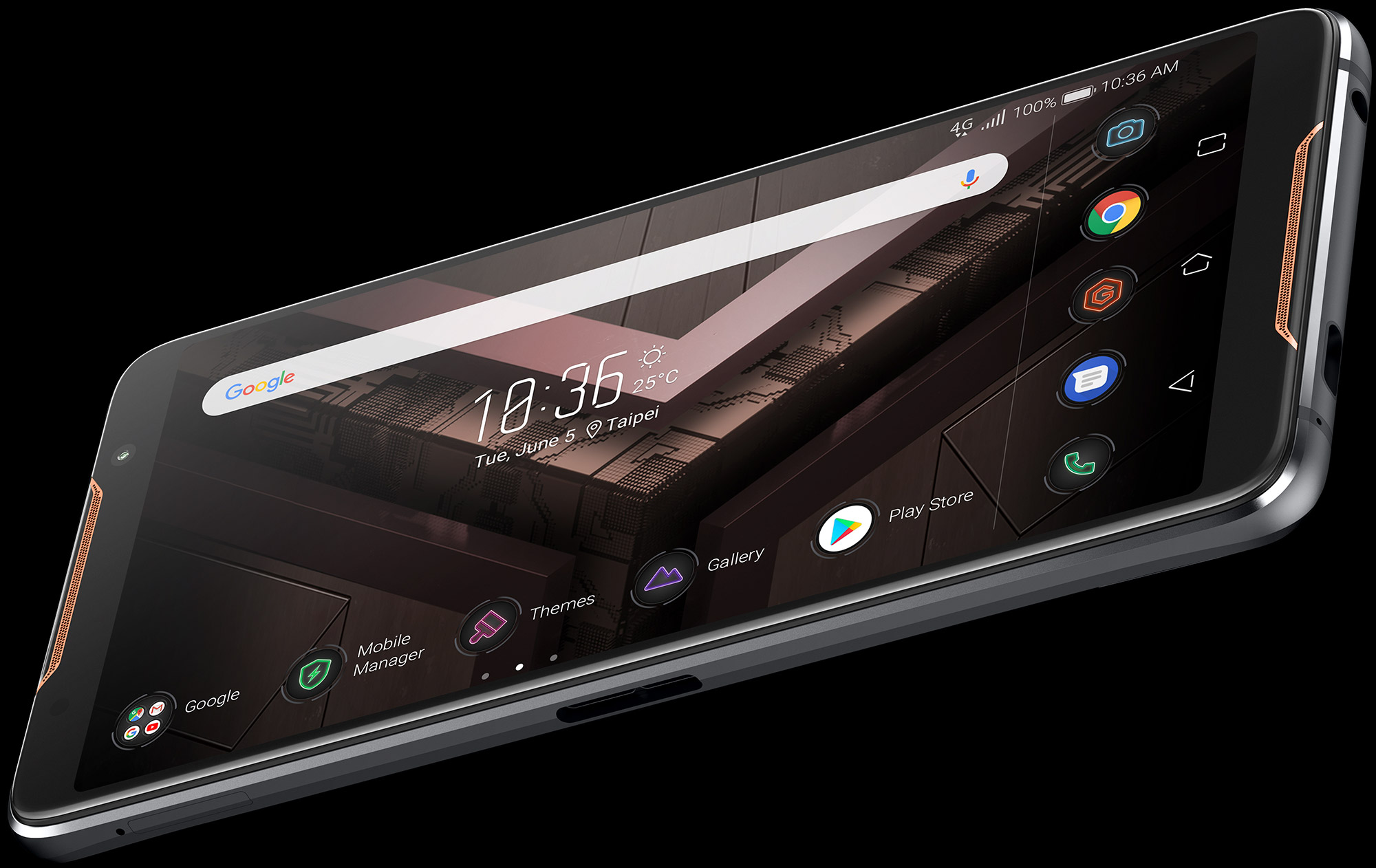
The wide-gamut panel’s plentiful palette covers 108.6% of the cinema-grade DCI-P3 color space, painting a vivid picture whether you’re scavenging in a battle royale or scrolling through Instagram. Bottomless blacks and a 10,000:1 contrast ratio make imagery look bolder and more likelike, while HDR support extends the dynamic range. You don’t need special content to benefit from HDR, either. We use an independent image processing chip that enhances local contrast for all content. In addition to exposing more depth, this visual treatment can provide a competitive advantage by helping you see enemies lurking in the shadows.
Triggered by awkward landscape limitations
Although the ROG Phone has a 10-point touchscreen sensitive enough to detect input through gloves, your fingers are best placed on the AirTriggers. These dedicated ultrasonic buttons actuate with only 20 grams of force, giving them a light touch for quick reflexes. There are two on the left edge, positioned perfectly for your fingers with the phone rotated in a landscape orientation, plus one more on the bottom right edge to add versatility for portrait mode. Each one can be customized to perform different functions, including executing macros that reliably reproduce game-specific gestures. The buttons can also be configured for non-gaming tasks, like instantly launching specific apps and activating functions like one-handed mode.
The AirTriggers help keep your fingers off the screen to expose more of what you want to see. Under the hood, an advanced haptic engine generates nuanced vibrations for more detailed force feedback in games.
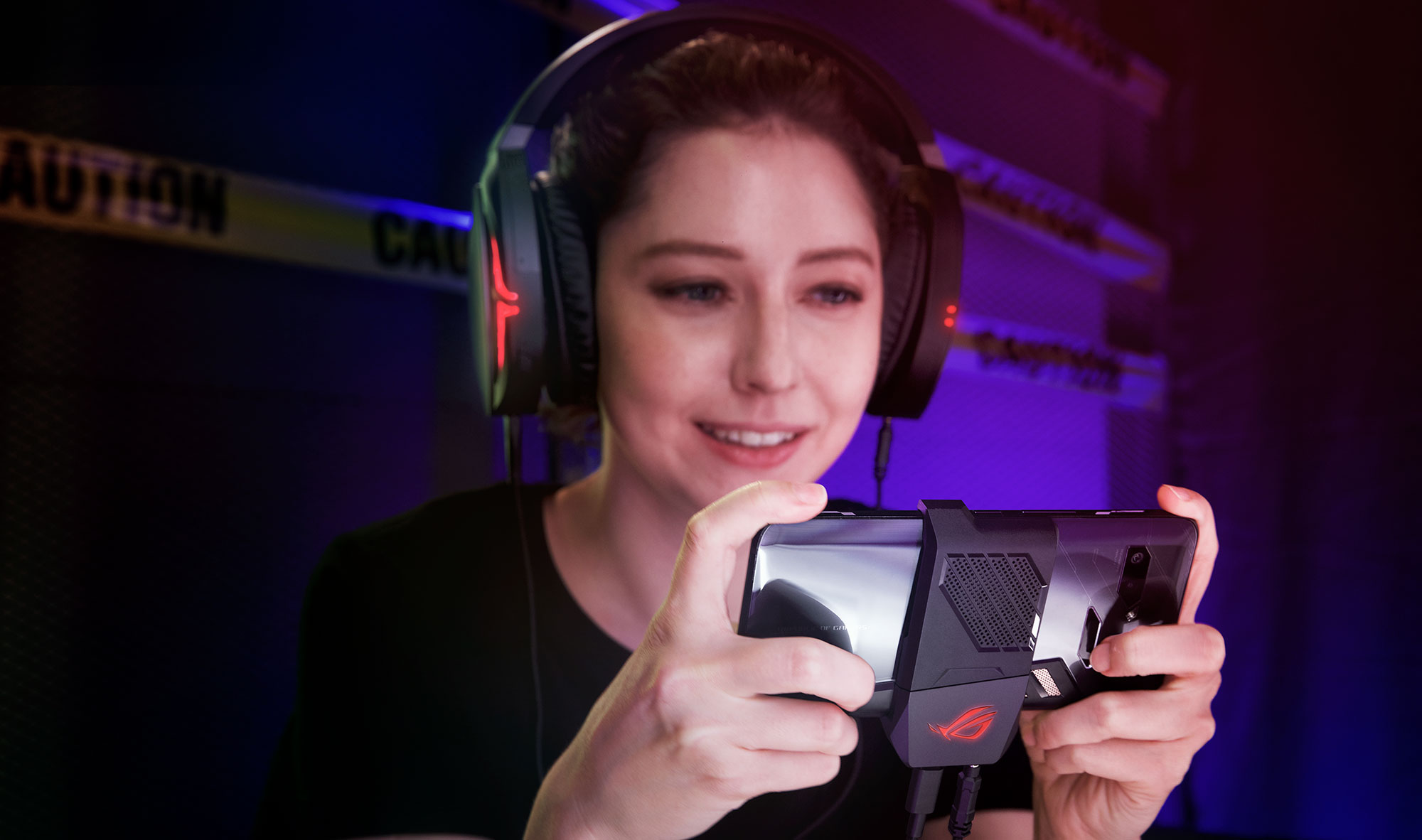
Most mobile games are meant to be played in landscape mode, but this orientation creates a problem echoed by everyone we talked to when designing the ROG Phone. When you rotate to landscape, the charging and headphone cables get in the way, making your phone awkward and uncomfortable to hold. We fixed this issue by adding a port to the right side, so you can game while charging without the cable affecting your grip. The AeroActive Cooler also plugs into this multi-purpose port and includes its own landscape-friendly connectors for both charger and headphones.
More than just another gaming phone
Much of what makes the ROG Phone exceptional for gaming has broader appeal for day-to-day use. The pumped-up processor is perfect for power users who do everything on their mobile devices, especially when paired with 8GB of RAM and up to 512GB of speedy UFS 2.1 storage. The faster display adds a luxurious layer of polish to everyday activities like quickly scrolling through web sites and social feeds, and its 18:9 aspect ratio makes the body narrower and easier to hold. Gorilla Glass protects the screen from inadvertent damage, while a water-resistant design protects the body against liquid infiltration.
Dual front-facing speakers use Smart Amp technology to produce more volume with less distortion for everything from Spotify playlists to battlefield gunfire. Alternatively, you can plug in analog headphones or the new ROG Delta Type-C headset, and immerse yourself in virtual surround sound with a measure of privacy. The integrated networking is top notch, with Gigabit LTE cellular, plus WiGig-certified 802.11ad 60GHz WiFi with both 2x2 MIMO and WiFi Direct. The side-mounted port also supports Gigabit Ethernet over Type-C, plus HDMI and USB.
Both of the Type-C ports work with standard chargers for convenience and compatibility, but they really shine with the included HyperCharge adapter. This upgraded adapter integrates the charger IC that’s usually in the phone, which increases the power delivery up to 20W and lowers charging temperatures for the handset. The ROG Phone can charge its 4,000mAh battery to 60% capacity in only 33 minutes and get to 85% in just over an hour.
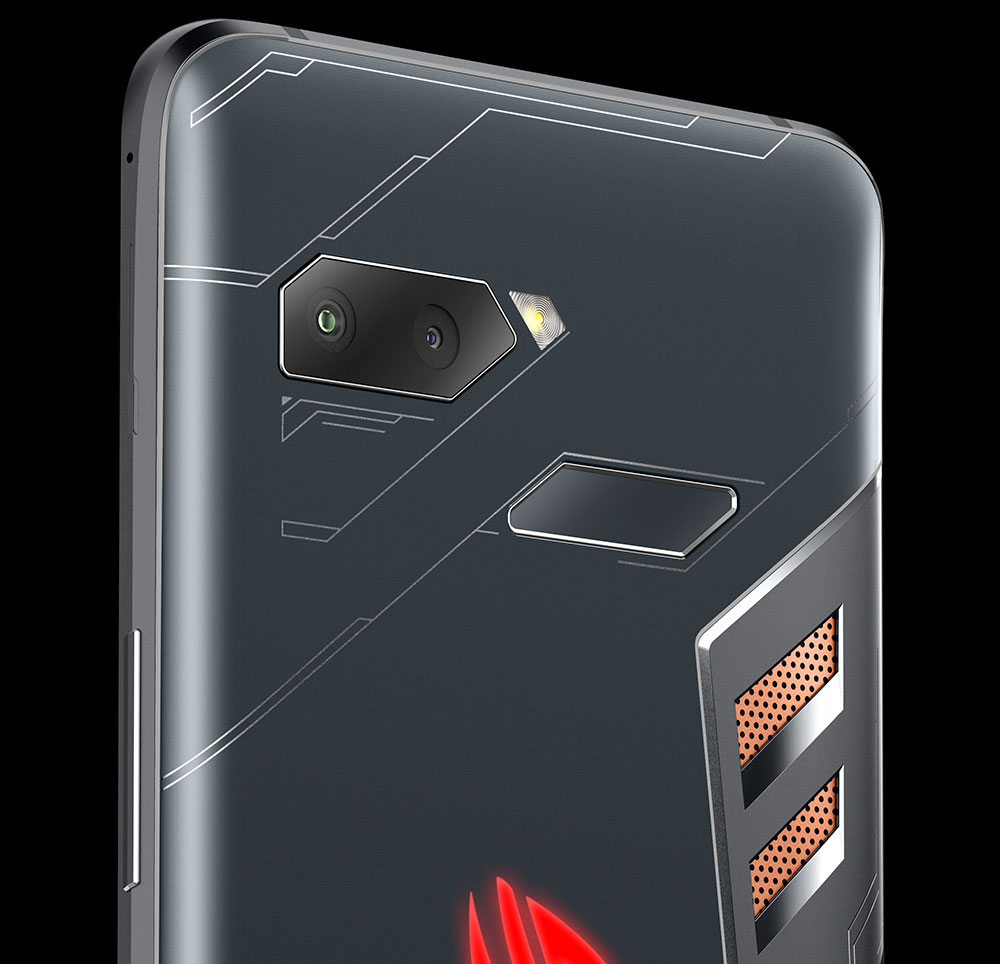
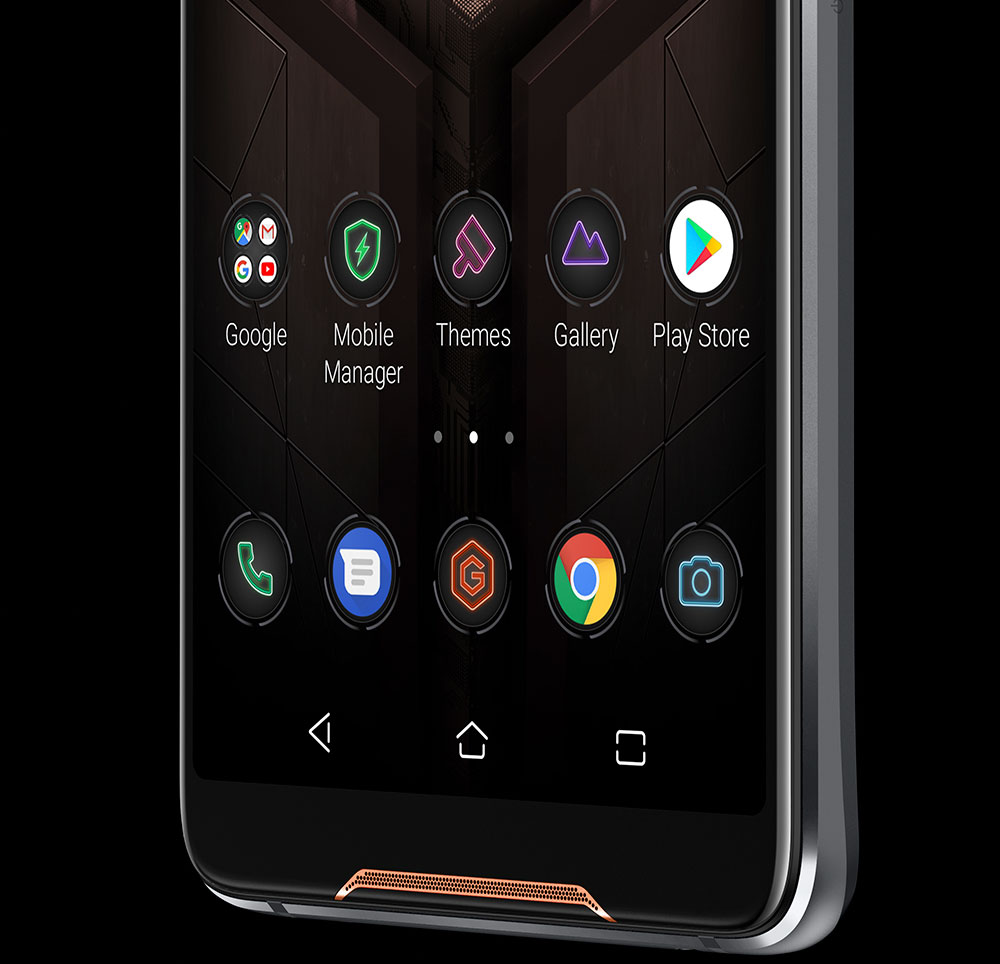
Fast charging is a given with high-end smartphones, as is the fingerprint reader for instant unlocking, and the dual rear cameras sitting next to it. The primary shooter captures 12MP images with a conventional lens, while the secondary camera takes 8MP wide-angle shots with a 120° field of view.
The logo on the back adds an element of exterior personalization, glowing whichever color you choose with static, breathing, and strobing effects, or cycling through the spectrum. You can synchronize RGB illumination across up to five ROG Phones wirelessly to match the rest of your squad. The lighting also syncs with optional accessories that plug into the side-mounted connector.
Dock into more than a smartphone
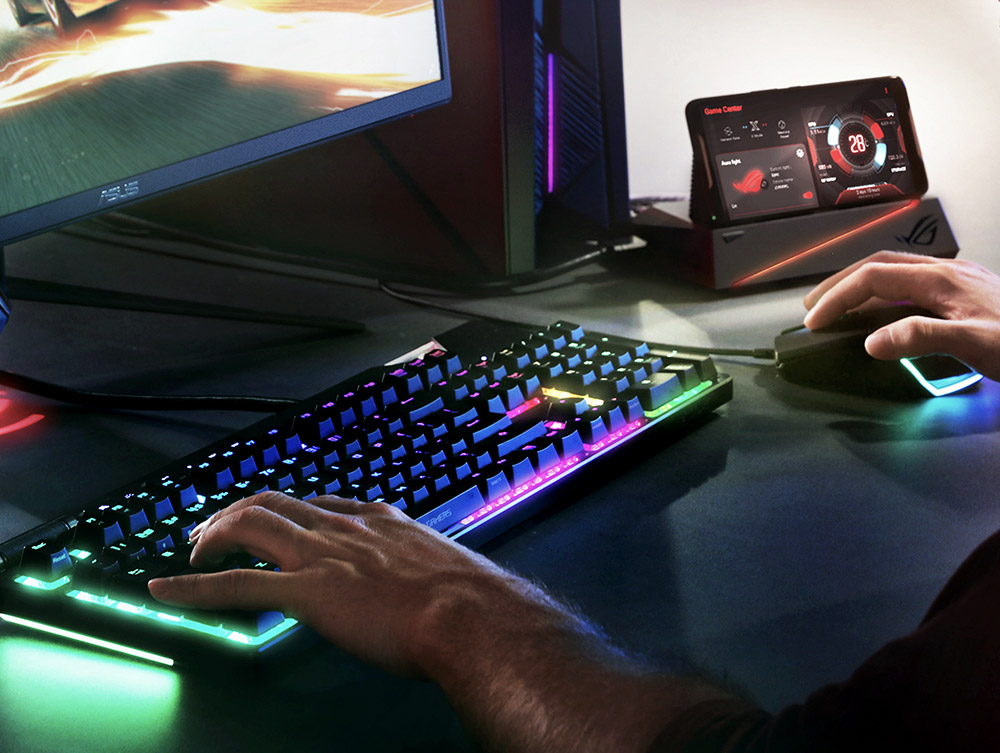
The Mobile Desktop Dock lets you build a complete desktop around the ROG Phone, including hooking up a 4K monitor, Gigabit Ethernet, 5.1-channel speakers, and a stack of USB peripherals. It may not be sporting to deftly destroy your rivals using a keyboard and mouse, but the competitive advantage is available if you want it. Using desktop peripherals to plow through your inbox and work on documents is much less controversial.
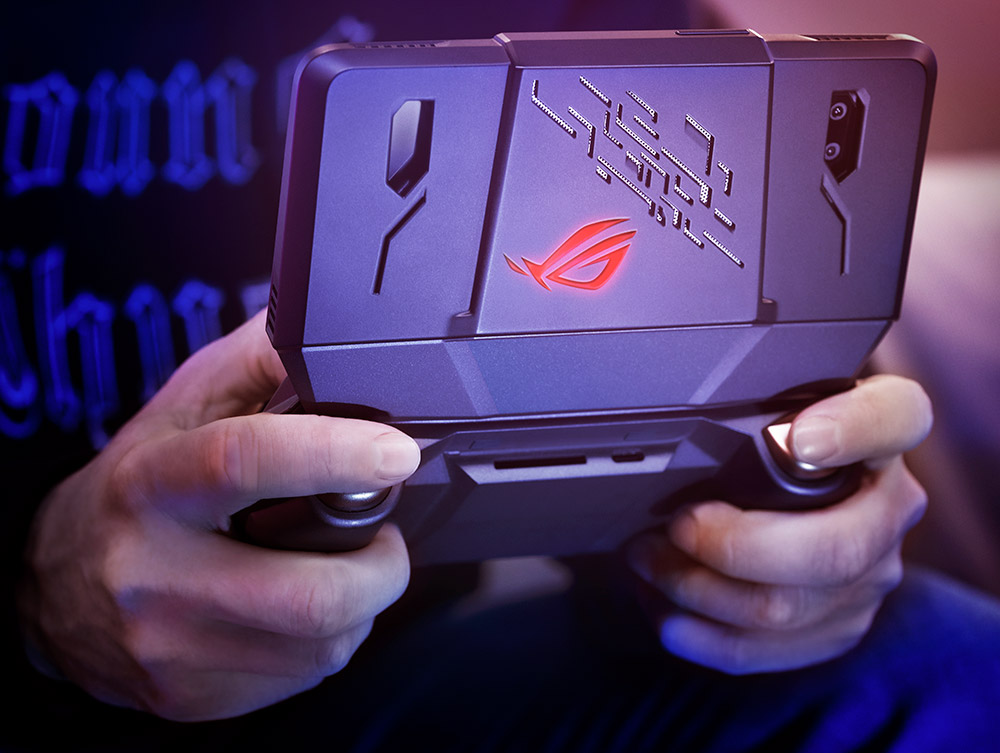
Rather than stationing the ROG Phone at a desk, the TwinView Dock takes it on the road in a handheld package complete with another screen. The secondary display is identical to the one on the phone, giving game developers more real estate to show maps, inventory, and other important information. Players have room to simultaneously view another application for chatting with teammates, reading up on strategies, or watching other matches. The TwinView Dock is great for live-streaming, especially since it prevents your fingers from blocking the front-facing camera. It also takes gaming further into console territory with physical trigger buttons and dual haptic feedback engines. Enhanced cooling keeps performance on point, while a massive 6,000mAh auxiliary battery extends the run time for your mobile adventures.
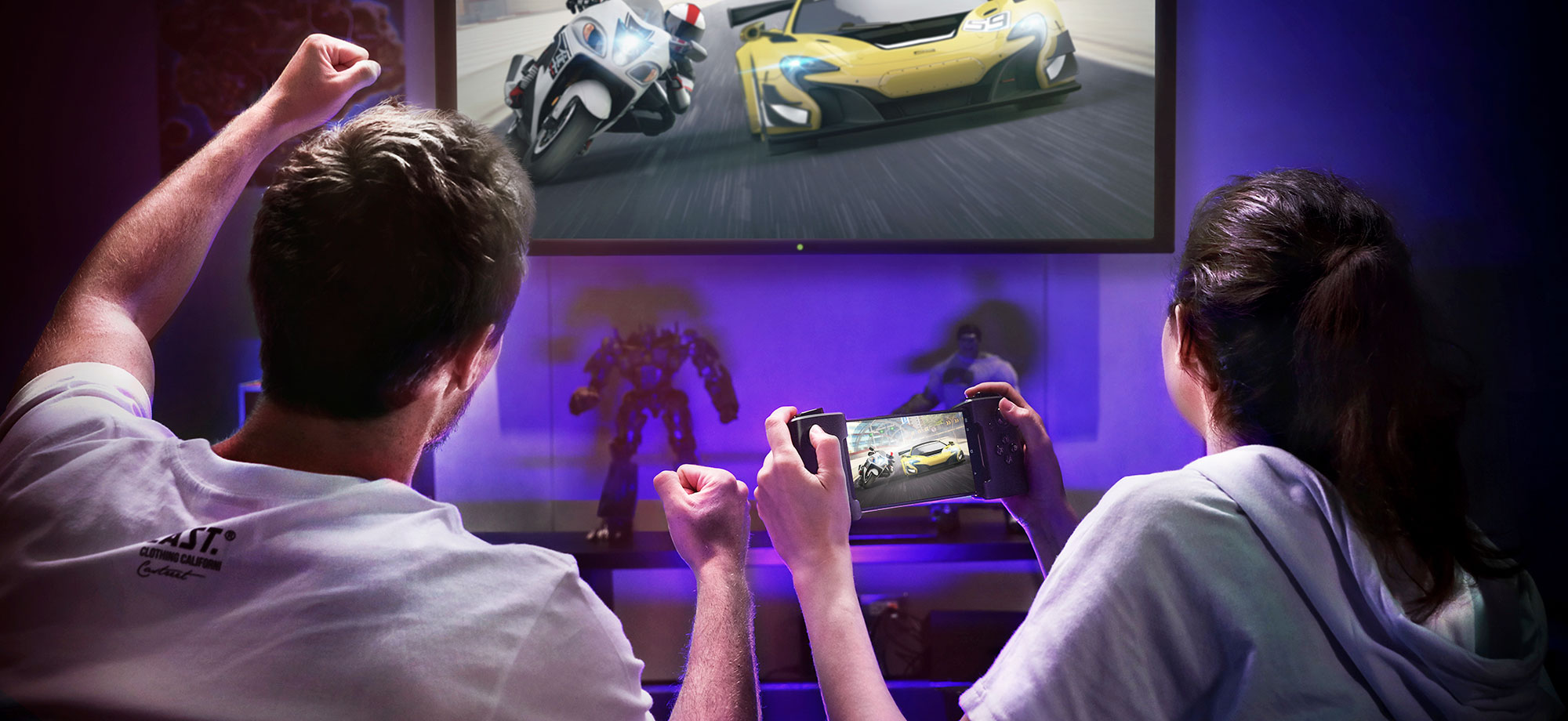
The WiGig Dock takes a different approach to secondary screens by using low-latency 802.11ad 60GHz WiFi to broadcast display signals to a base station that plugs into big-screen TVs. It pairs well with the third-party GameVice controller, which squeezes the ROG Phone between banks of traditional gamepad joysticks and buttons to enable a console-like experience that works from across the room on the couch.
| ROG Phone | |
|---|---|
| Processor | Exclusive 2.96GHz octa-core Qualcomm Snapdragon 845 Mobile Platform |
| GPU | Qualcomm Adreno 630 |
| Display | 6.0“ 18:9 (2160x1080) AMOLED 90Hz refresh rate with 1ms pixel response time 108.6% DCI-P3 color gamut and 10000:1 contrast ratio 10-point multi-touch (supports Glove Touch) Discrete image processing chip supports HDR |
| Memory | LPDDR4X 8GB RAM |
| Storage | UFS 2.1, 128GB / 512GB |
| Sensors | Accelerometer, e-compass, proximity sensor, Hall sensor, ambient-light sensor, fingerprint sensor, gyroscope, 2 x ultrasonic AirTriggers |
| Wireless | 802.11a/b/g/n/ac/ad 2x2 MIMO Wi-Fi Direct and WiGig 802.11ad wireless display support Bluetooth 5.0 and NFC |
| GPS | Supports GPS, aGPS, Glonass, BeiDou |
| Side I/O | Custom USB-C supports USB 3.1 Gen 1, DP 1.4, fast charging (15W) ASUS HyperCharge direct charging |
| Bottom I/O | USB-C supports USB 2.0, fast charging (20W), Direct Charge 3.5mm headphone jack |
| Cameras | Main: 12MP + 8MP (120° wide-angle) Front: 8MP |
| Audio | Dual front-facing stereo speakers with smart amplifier 24-bit/192KHz Hi-Res Audio DTS Headphone:X 7.1 virtual surround-sound Qualcomm aptX High-definition Bluetooth® wireless audio |
| Battery | 4,000mAh |
| Dimensions | 158.8 x 76.2 x 8.6mm |
| Weight | 200g |
Into a new era of gaming
Although we created the ROG Phone to raise the bar for mobile gaming, its compelling technology and versatile accessories lay a foundation to redefine what portable computers can be. This is more than just a gaming device; it’s a well-rounded digital companion that channels the history of the Republic of Gamers while offering a glimpse into its future.
The ROG Phone will be available this summer in configurations with 128GB and 512GB of internal storage. Both of which come with the AeroActive Cooler. All the other accessories will be sold separately, and a special bundle will pack all of them into a suitcase with the high-end version of the phone. Ask your local ROG representative for details about street dates and pricing in your region.
ANNOUNCING THE ROG PHONE: CHANGING THE GAME FOR MOBILE
 Reviewed by Moonlesknight
on
02:38:00
Rating:
Reviewed by Moonlesknight
on
02:38:00
Rating:
Reviewed by Moonlesknight
on
02:38:00
Rating: